
Checked 25 October 2026
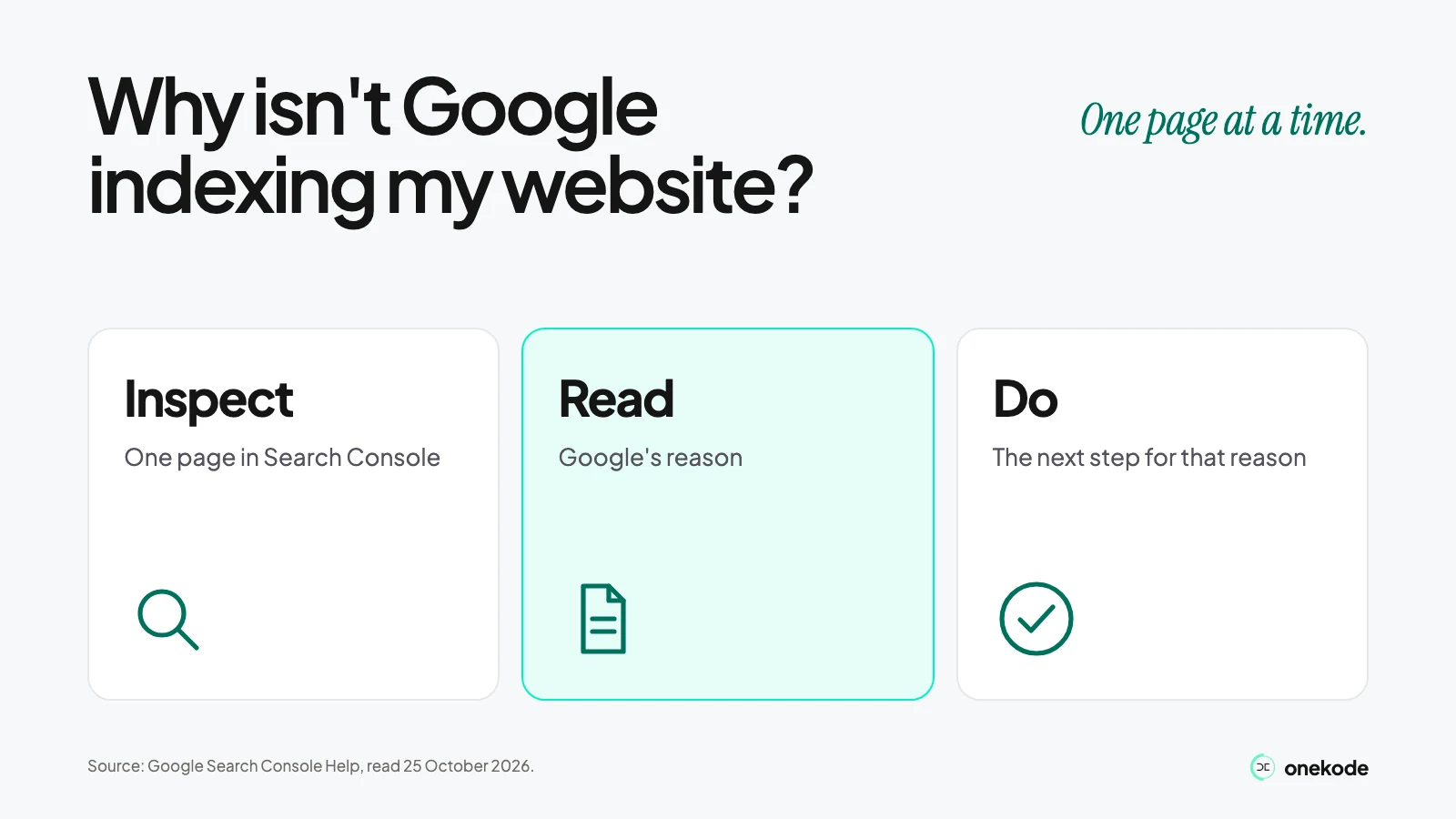
Paste the full address of one important page into Search Console's URL Inspection and read the reason Google gives. That reason tells you what to do next. A page that opens in your browser can still be missing from Google, and nobody can promise when it will appear. Google's help pages, checked 25 October 2026.
Is my website really not indexed?
Type site:yourdomain.com into Google. If your pages come up, Google has indexed them. If the page you care about does not, it may not be indexed.
Have about 500 pages or fewer, all reachable by following links from your homepage? Google says you probably do not need a sitemap. Do the site check, then request indexing of your homepage. Hosting services such as Squarespace or Wix probably manage your sitemap for you. A site check is a first look, not a full list of what is indexed (Google's Missing pages and sites and Sitemaps report help, checked 25 October 2026).
Indexed is not ranking. A page can be indexed and still not appear for a search you try. For the wider question of why your app isn't showing up, use The Visibility Check. This article stays with indexing.
Pick one page. Choose one important public page, such as your homepage or a product page. Use its full address, in the version you want people to find: https, with or without www.
What does Google Search Console say about my page?
Open the URL Inspection tool for your site, paste the full address, and read the page's indexing status and reason.
Write down four things as they appear: the status or reason, the last crawl date, whether indexing is allowed, and the address Google chose as the main version (the canonical), where it shows. An empty field is empty. Do not fill it in.
This first view is saved data from Google's last index. It can be older than a change you just published, and the main version belongs to this saved data, not to the live test.
Cannot open Search Console yet? You have to prove you own the site first: see Google's help on verifying your site ownership. If the domain is not connected to your app yet, that is its own job: Get your custom domain and email working.
Source: Google's URL Inspection help, checked 25 October 2026.
Can Google read my page right now?
Choose Test live URL. It checks the page as it is today and tells you whether Google can fetch it and whether indexing is allowed.
Compare the live result with the saved one from the step above. A change you made last week may only show in the live test. A block that shows live is a current problem. An old saved reason may no longer apply. Where the tool offers it, look at the page as Google rendered it.
A pass is not a promise. A good live result means the page can be indexed. It does not mean it will be, and it does not say which address Google will choose as the main version.
Keep private and account pages private. Only a public page you want found is a candidate for removing an accidental block.
Built in Lovable? Its rendering rules and Search Console connector are in Lovable SEO.
Why is my website not indexed, and what do I do?
The reason in the report is the answer. Find yours in the table, do the one step beside it, and leave the rest alone.
| Reason | What it means | What to do |
|---|---|---|
| URL is unknown to Google | Google has not seen this address. | Run Test live URL. If the page can be indexed, request indexing (see Should I request indexing or submit a sitemap?). That is Google's own advice. |
| Discovered - currently not indexed | Google found the address but has not crawled it yet. Google says this is why the last crawl date is empty on the report. | This is not a failed crawl. Check again after some days. No date is promised. |
| Crawled - currently not indexed | Google visited the page and has not included it. | Google says there is no need to resubmit. Check the page is public and is the version you want, then wait. |
| URL marked 'noindex' or URL blocked by robots.txt | A tag tells Google to leave the page out, or a rule stops it fetching the page. | Check whether it is on purpose. Remove it only on a public page that should be found. A block on fetching can also hide a noindex tag from Google. |
| Page with redirect, Alternate page with proper canonical tag or Duplicate without user-selected canonical | Google has chosen another address as the main version. | Look at the address Google chose. If it is the one you want, nothing is wrong. You do not need every address indexed. |
| Server error (5xx) or another fetch error | Google could not get the page when it tried. | Read Google's exact reason. Check the live public page. Fix that error. Do not switch tools or rebuild because of one error. |
Not every address should be indexed. Private pages, duplicates and redirects can be left out on purpose, and Google says non-indexed URLs can be fine. Just make sure your key pages are in. For every other reason, see Google's Page indexing report help, checked 25 October 2026.
Should I request indexing or submit a sitemap?
For a few important pages, request indexing in URL Inspection. For many pages, submit a sitemap. For a small site, request your homepage. You probably don't need a sitemap.
Who can do what. An owner or a full user can request indexing of one address. Submitting a sitemap in the Sitemaps report needs owner rights.
Success is not indexed. In the Sitemaps report, Success means Google loaded and processed the file without errors and queued its addresses for crawling. Google does not promise those addresses will be crawled or indexed.
Fix an accidental block first. A request on a blocked page does not change the block.
Repeating a request does not speed anything up. Do not send every redirect, duplicate or private address.
Sources: Google's Ask Google to recrawl (last updated 10 December 2025 UTC) and Sitemaps report help, checked 25 October 2026.
How long does Google take to index my website?
Google says indexing typically takes a day or so after a request, can take up to a week or two, and can take much longer in some cases.
That comes from the "Request (re)indexing" part of Google's URL Inspection help, checked 25 October 2026. A separate Google page, Ask Google to recrawl (last updated 10 December 2025 UTC), says crawling can take a few days to a few weeks. They are two statements. Neither is a deadline.
After some days, check three things again: the saved report's reason, the last crawl date and the main version. Compare them with what you wrote down earlier.
If the live test still shows a block, waiting is not a fix.
Example, made up: you request your pricing page on a Monday and the request is accepted. On Thursday the report still says Discovered - currently not indexed. That is a request accepted, not a page indexed. Check again next week.
What should I send someone if I need help?
Send a short note with the facts, not a login. Include:
- the exact public address
- the date you inspected it
- the reason the saved report shows
- the last crawl date
- whether the live test differs from the saved report
- the address you expected to be the main version
Share only what you choose. No one needs your Google login or ownership of the property to read the note.
Next questions have their own guides. A builder: Lovable SEO. A domain: custom domain and email. A wider traffic or ranking plan is a different job from an indexing check.
Live app still not showing up?
Send the link for a free Beta Review. Two or three people on the team try to do the three things you name, as a new user would. You get a list of what they hit, worst first, with screenshots. It is not an indexing repair, and it does not promise Google will include your app.
If code or rendering is blocking your app, ask for the Free Build Audit.