
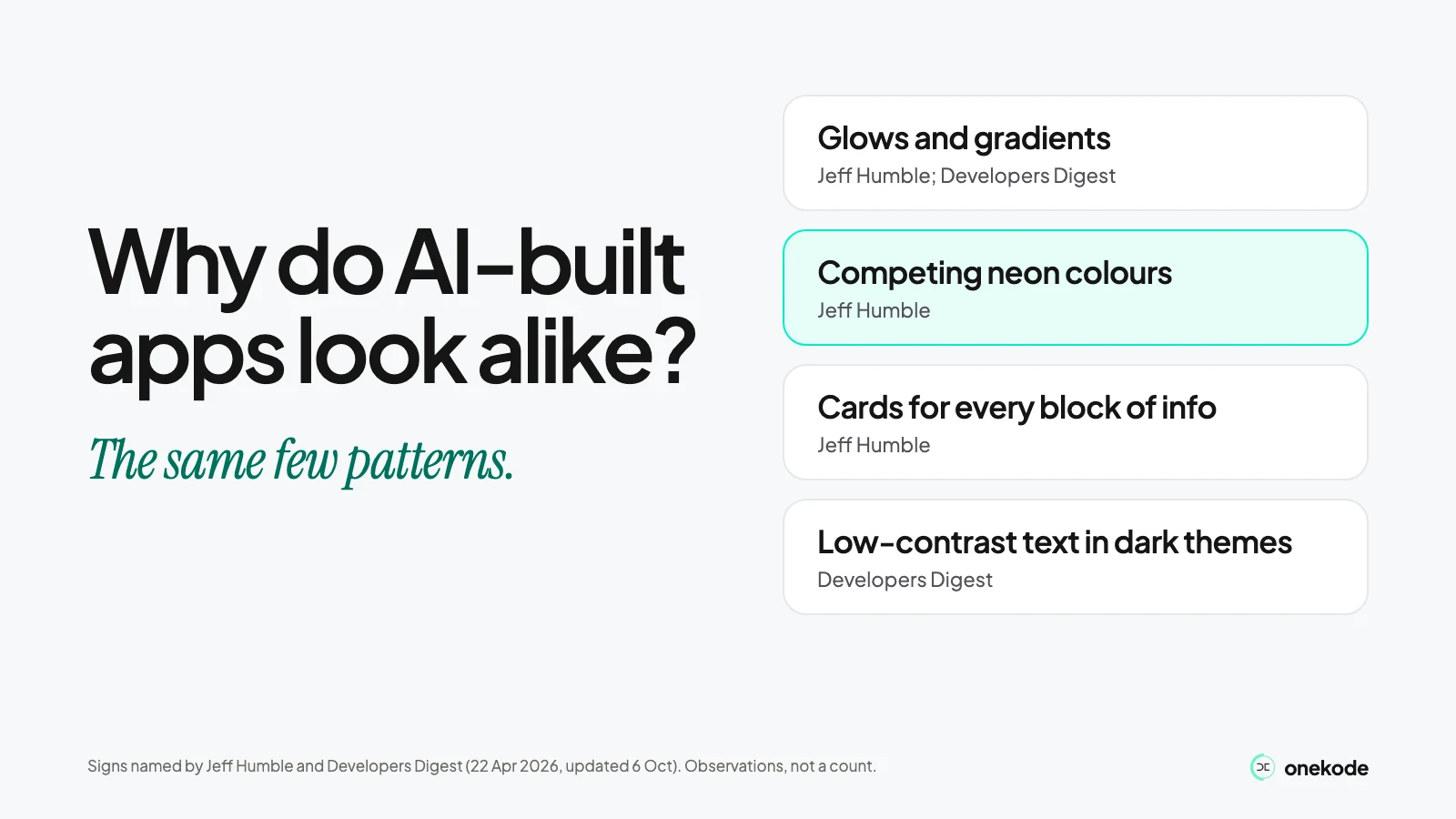
Design writers list the same repeated fonts, glows and cards in AI-built apps. They do not prove anything else.
The vibe coded UI signs writers list are the same few patterns: repeated gradients, glows, emoji, card grids and generic heroes. They are signs of a common look, not proof of who built the app. No sign reliably detects AI, and a generic look says nothing about whether the code is safe. What matters is whether a new user can see what to do next.
Last checked: 22 October 2026.
Why do AI-built apps look alike?
Because the same few patterns keep turning up, and two design writers catalogued them in 2026.
Jeff Humble, a design educator, listed seven signs on LinkedIn on 16 April 2026. Developers Digest, a company that sells AI tools, published its own list on 22 April 2026 and updated it on 6 October 2026. The Fountain Institute's post on the same subject is also by Humble, so it is the same voice and not a third writer.
Both give a reason. Developers Digest says the tools' defaults "leak through". Humble points to training data. Neither proves it.
We found no count of how many apps look alike, and we give none. These lists are design observations, not a study.
Two builders raised the worry in their own words. Both posts are builder-space posts, anecdotal: not research, and not verified businesses.
- 9 September 2026, r/micro_saas, "Do customers notice AI slop?" A product maker had spent weeks adjusting the site and liked the current style. They still worried that a generic front end would put users off. Our reading: the real question is whether the screen serves the product and the user, not whether it is endlessly new.
- 7 September 2026, r/SaaS, "Importance of avoiding a generic-looking SaaS." A discussion about repeated heroes, cards and taglines. The author says it was inspired by social creators.
What are the signs of a vibe coded website or app?
The vibe coded UI signs fall into a few design patterns: colour and glow, repeated layout, type, and text that is hard to read.
Here they are, each with the writer who named it. These are the authors' observations, not detection rules. Many human-made sites share them.
| What to look for | Who points to it | Our reading: why it can matter | Our test |
|---|---|---|---|
| Competing neon colours | Jeff Humble, LinkedIn, 16 Apr 2026, and the Fountain Institute's post by the same author (professional design education) | When several bright colours compete, a new user may not know where to look first | Show the first screen to someone who has never seen it. Ask them to point to the one thing to do |
| Decorative glows and effects | Humble and the Fountain post, as above. Developers Digest, 22 Apr 2026, updated 6 Oct 2026, lists large coloured glows and box-shadows (a company that sells AI tools) | A glow on something you cannot click can look like a button | Click every glowing item. Note any that does nothing |
| Emoji-heavy interfaces | Humble and the Fountain post, as above | Emoji used instead of words can leave a user guessing what a button does | Cover the emoji. Does the text alone say what each item does? |
| Purple gradients; dark and purple styling | Purple gradients: Humble and the Fountain post. Dark and purple styling: Developers Digest, as above | Style only, on its own. It becomes a problem if text on it is hard to read | Run the contrast test in the last row |
| Cards for every block of info | Humble, as above | When everything sits in a box, it's hard to see which things belong together | On one screen, take one set of boxes away. Does it still make sense? |
| Recurring typefaces | Developers Digest, as above | Style only. A familiar font is not a defect | Check only that the text is readable on a phone |
| Generic heroes and repeated feature cards | Developers Digest, as above. Also a builder's discussion on r/SaaS, 7 Sep 2026 (repeated heroes, cards and taglines; anecdotal) | A top line that could belong to any product does not say what yours does | Read your top line to a stranger. Ask what the app does |
| Barely-passing body-text contrast in dark themes | Developers Digest, as above, which calls it the biggest functional problem | Text people struggle to read is text they may not read | View the app on a phone with the screen dimmed. Can you read the body text? |
Which signs are only style, and which cost you users?
A font, a gradient, rounded cards or a dark theme are style. A broken link or text no one can read is a cost.
The sources list patterns. They do not say which ones lose you users. That split is our reading, not a finding from them.
Only style
- A familiar typeface
- Purple or dark styling
- Gradients
- Rounded cards
- A hero like many others
Can cost you users
- Broken links
- Invented testimonials
- Unclear actions
- No feedback after a click
- Text that is hard to read
- A layout that fails on a phone
The one sourced bridge is contrast. Developers Digest, a company that sells AI tools, calls barely-passing body text in dark themes the biggest functional problem. A style choice becomes a cost when people cannot read it.
None of the style items is bad on its own.
Can you tell if an app was built with AI?
Not reliably. No sign proves it, and many human-made sites look the same.
The patterns above are a common look, not a fingerprint. We can't name the tool behind an app from a screenshot, and we don't offer a checker. A polished screen is not proof of care, either. If a screen reads clearly and works, it does its job, whoever or whatever built it.
Does a generic design mean the app is unsafe?
No. Looking AI-built is not proof that the code is unsafe, and a polished look is not proof that it is safe.
Safety is a separate check, and a screen can't answer it either way.
What should you test before you redesign it?
Pick one important task, such as signing up. Run three tests on it, on a laptop and on a phone.
- Can a new user say what to do on the first screen? Ask someone who has never seen the app. If they hesitate, that is your finding.
- Do the buttons and links work, and do they say what happens? Click each one. After a click, something should visibly change.
- Is the text readable, and does it fit a narrow screen? Check body text on the dimmed phone screen. Check nothing runs off the edge.
Onekode's Design Playbook — A Guide on Product Design & Research (p10) says of people moving between devices: "they should not have to relearn navigation patterns, button placements, or UI elements."
Making the screens clearer and more consistent is a separate job from spotting the signs.
Want someone to look at your app?
Send us the link. A person on our team records a walkthrough of your app: what stays, what needs fixing and what blocks launch. Then they send you a one-page note. It is free.