
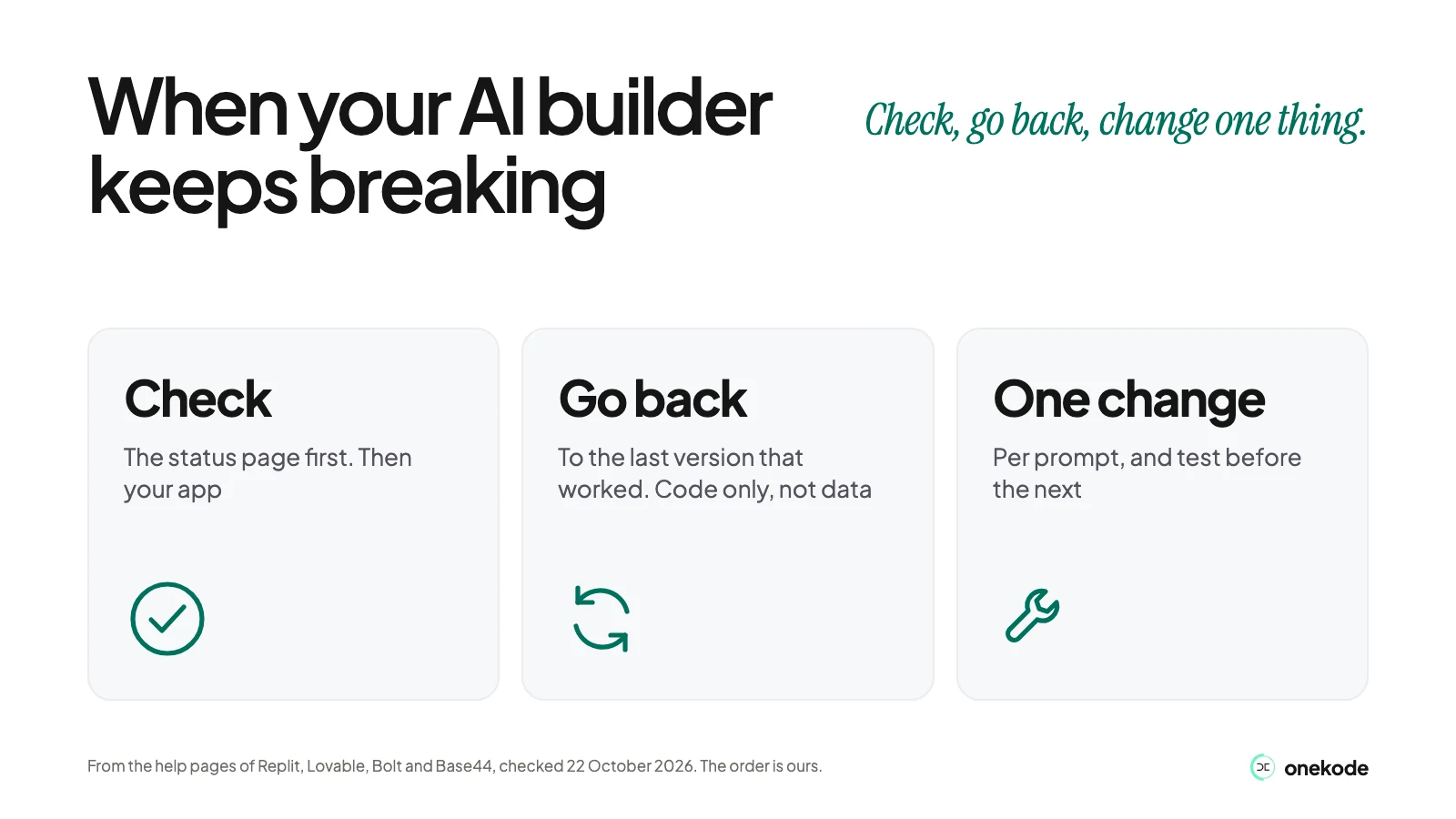
Check the status page, go back to the last version that worked, then change one thing at a time.
Check your builder's own status page first. Replit, Lovable, Bolt and Base44 each have one. If it says everything is running, the problem is in your app. Go back to the last version that worked, find out why it broke, then change one thing at a time. If Replit is not working, Replit's own help page starts with the basic checks and Restart compute, so try those too.
Last checked: 22 October 2026.
Is Replit down, or is it my app?
Check the builder's own status page first. If it shows a problem, wait. If it does not, look at your app.
These are the official pages:
- Replit: status.replit.com
- Lovable: status.lovable.dev
- Bolt: status.bolt.new
- Base44: status.base44.com
Putting the status page first is our order. Replit's own help page starts with the basics: test your connection, try a different browser, check JavaScript is on, then open the command palette (Cmd+K on a Mac, Ctrl+K on Windows) and choose Restart compute. Only after that does it say to check the status page. If the status page shows everything running and the app still will not load, it says to contact Replit Support.
Lovable's status page lists the editor, hosting (published sites and preview links) and Cloud separately, so you can see which part is affected. Bolt's help page adds three quick checks: turn off browser extensions and ad blockers for a moment, turn off a VPN, and check your antivirus if you see a 403 or 404 error.
Why does one small change break something else?
Because the builder often changes more than you asked, and each fix can disturb something that was working.
Replit's help page says to use a checkpoint when the app got worse, something important broke or the agent changed more than expected. Lovable's help pages say that unless you say what to leave alone, a small request can disturb parts that work. Its debugging page warns that fixing blind, again and again, piles up code that hides the real problem.
A long or mixed conversation makes this worse. Replit says to start a new chat when you move to an unrelated task. Bolt says that when it is stuck you can type /clear and choose Clear context.
A Chroma study, "Context Rot" (14 July 2025), found that 18 AI models get less reliable as the text you give them grows longer. It tested models, not these builders, so linking it to a long builder chat is our reading.
That is the fix loop. Each try changes something, the app gets no better, and the credits go.
One Replit forum poster (25 January 2025) described the agent adding and removing the same code over and over, and a new chat made no difference. It is one person's account, not research.
How do I get back to the version that worked?
Every builder keeps earlier versions. Use those, not the chat.
| Builder | Where to look | What the button says | What it does not undo |
|---|---|---|---|
| Replit | Agent panel, History | Rollback here (and Changes) | Look at the Database option in the rollback dialog before you confirm |
| Lovable | History in the top bar, or Project, then History | Revert (also Bookmark and Back to latest) | Code only. Lovable says: "It does not restore or roll back your database data." |
| Bolt | Version history (the clock icon) | Restore this version, then Restore version | Restoring does not change your Bolt or Supabase databases |
| Base44 | The Revert icon under a message, or the Version History icon at the top of the chat | Revert | Asking the AI to undo makes a new change instead of going back. Its help page does not mention data |
Caption: screen names come from each builder's help pages, checked 22 October 2026. We have not seen them in the products.
A few notes:
- Base44. Asking the AI to undo a change makes a new change, so your app may not end up as it was. Use Revert or Version History.
- Lovable. Choose Edit message on an earlier message of yours, then Revert and resend. The project goes back to how it was before that message.
- Bolt. Bolt's help pages say going back to an earlier version does not use tokens.
Before a big change, keep a copy of your code. Get your code out of the builder →
Why didn't going back fix my data?
In Lovable and Bolt, going back changes the code, not the database.
Lovable says: "It does not restore or roll back your database data." Bolt says that restoring an earlier version will not change your Bolt or Supabase databases. In Replit, look at the Database option in the rollback dialog before you confirm.
Here is the trap in a fix loop, and it is our reading. A rollback puts the code back. A changed record or a new login rule can stay as it was after the break. Then the old code meets the new data, and the app still fails.
If the break touched data, logins or payments, treat that as a reason to get a person. The last section says more.
Why does it work in the preview but not when it's live?
The published app has its own settings, and your keys are often missing from it.
Replit. Secrets you set in the project editor do not carry over. Add each production secret in the Publishing pane. A missing value can break API calls, the database connection, login and payments. Publishing does not fix a broken Preview, so fix Preview first. Files the app writes while running may not survive a new publish. Ask the agent to check that the server listens on 0.0.0.0. Publishing can also fail if your home page takes more than five seconds to respond.
Lovable. Changes are not live until you click Publish changes. A small dot on the Publish button means you have unpublished changes. Anything that depends on a secret will not work until you add it, under More, Settings, Secrets.
One Replit forum poster (17 June 2025) said the Preview pane had stopped working in two of five projects while the app opened in a separate tab, and that neither the agent nor the assistant could fix it. Another (9 March 2026) had a preview that still hung while the live address worked. Both are single accounts.
How do I stop the fix loop?
Go back, find out why it broke, then change one thing at a time.
This routine is free. The order is ours; each step comes from the builders' own help pages, checked 22 October 2026.
- Check the status page. On Replit, do the basic checks and Restart compute too.
- Stop pressing the auto-fix button. Lovable's debugging page says to use Try to fix once or twice. Bolt says to avoid clicking Attempt fix over and over, because each try spends tokens.
- Go back to the last version that worked. Use the table above, not the chat.
- Check what going back did not undo, especially data and logins. This step is ours.
- Find the cause before you change code. Use the mode that talks without building: Lovable's Chat mode or Plan mode, Replit's Plan mode, Bolt's Plan Mode or Base44's Discuss mode. Ask why it broke.
- Describe the error exactly. Give the message, where it happens, what you expected, what you already tried and a screenshot. Replit's help gives "my login page is broken" as the kind of vague report to avoid.
- Make one change per prompt. Say what must not change. Test before the next prompt.
- Start a clean conversation if it goes round in circles. In Replit, open a new chat. In Bolt, type /clear and choose Clear context.
- If it works in the preview but not live, check your production keys and that you published the latest version.
Lovable gives 10 free fixes across all your projects, shared with its Security view. Each comes back 24 hours after use; after that, Try to fix uses credits. Credits going on fixes is one sign to stop. The next section lists the others.
When should I stop prompting and get a person?
After a rollback and a couple of careful tries on the same feature, if it still fails.
These signs are ours; no builder's help page says them.
- The same feature still fails after a rollback and a couple of careful tries.
- The break involves data, logins or payments. A rollback may not undo it, and a mistake reaches real users.
- Credits or tokens are going on fixes, not features. How AI builder credits work →
- You cannot say what changed between the last working version and now.
- It works in the preview but not live, and the keys are set.
- The builder points you somewhere else. One Replit forum poster (11 October 2026) says Replit told them to hire an outside developer. That is the poster's claim, and we have not checked what Replit said.
Choosing someone: How to hire someone to finish your app →. Not sure it is worth fixing: Keep, fix or rebuild your app →.
Still stuck? Send us the link.
A person on our team records a walkthrough of your app and sends a one-page note: what stays, what needs fixing and what blocks launch. You can see whether it is one fix or more. It is free.
If you want a person to do the fixing, see Finish and Launch →.